
Nightly rates
Set prices for selected room types, dates and weekdays.
Manage rate plans, promotions and stay restrictions with the room calendar as your reference.

Set prices and stay conditions with the dates and room types in view. Keep promotional, contracted and base offers organised in one rates workspace.
Set prices for selected room types, dates and weekdays.
Create named offers with percentage adjustments and terms.
Apply minimum stays and arrival or departure controls to selected dates.
Review availability and close specific rooms for selected nights.
Review the room type, applicable dates and base rate.
Add the relevant promotion or stay restriction to the intended plan.
Review the calendar and connected channels after the rate decision.
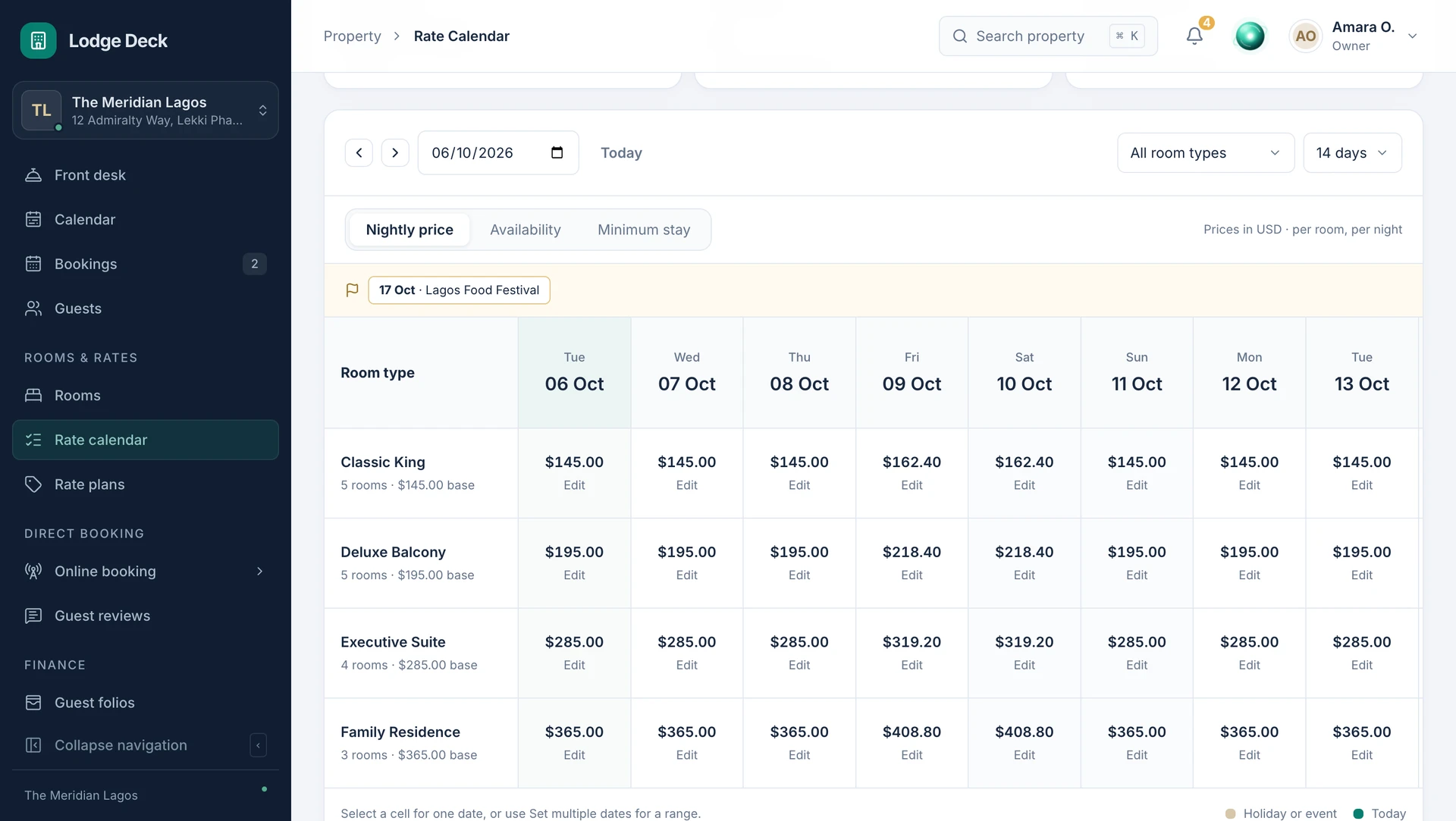
Review availability alongside minimum stays and arrival rules. Give the team a clear reference for the offer each guest or channel should see.
See this workflow in a demoWhat to know about rates & availability.
Bring your daily challenges. See how your team can manage them in one workspace.