
See the whole stay
Review stay dates, room types, assigned rooms and booking status together.
Find a room, record the stay and keep changes in one reservation calendar. Give reception a clear starting point for every arrival.
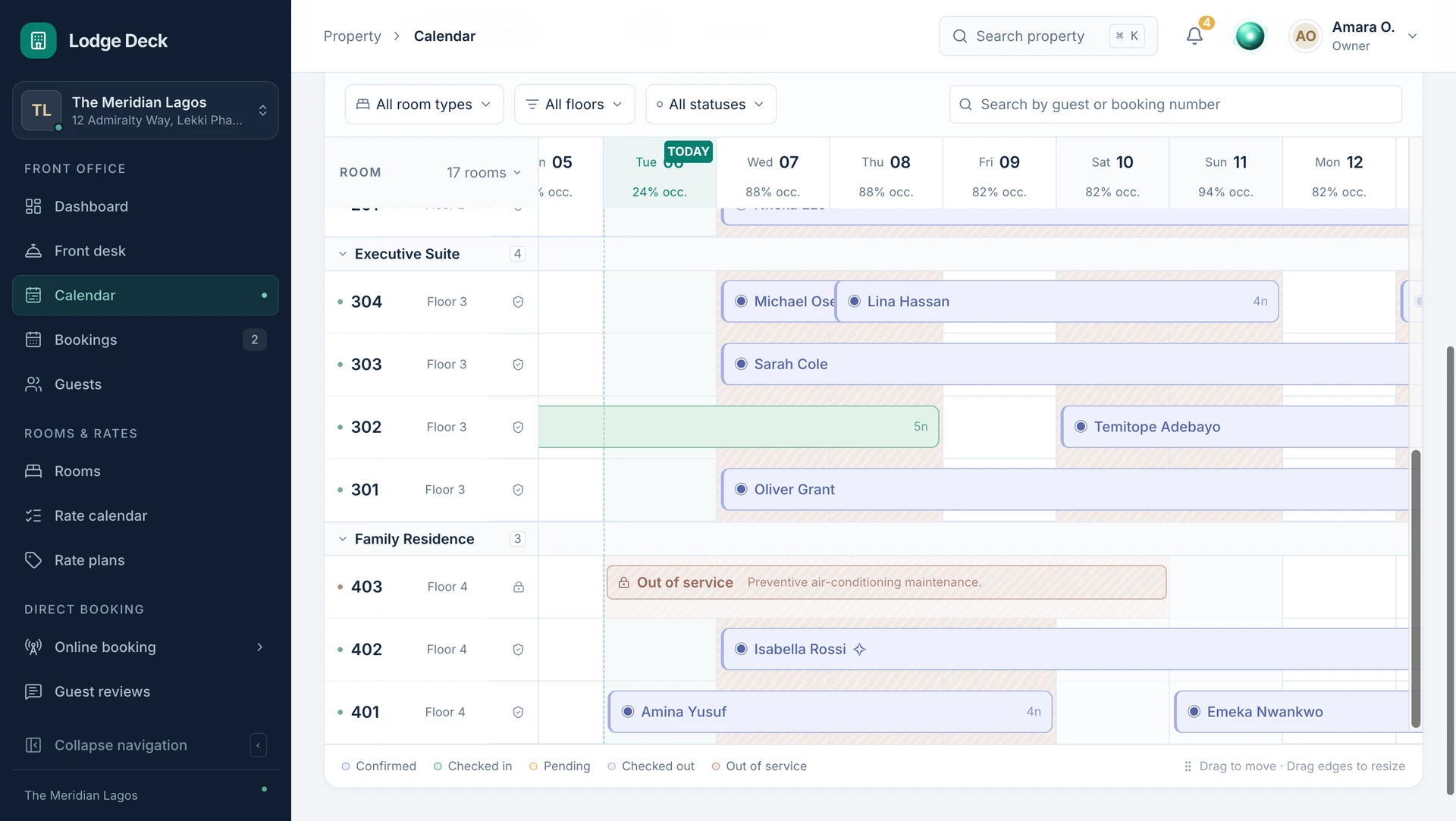
Find a room, record the stay and keep changes in one reservation calendar. Give reception a clear starting point for every arrival.
Review stay dates, room types, assigned rooms and booking status together.
Check room inventory and blocked dates before confirming a new reservation.
Move the reservation to an available room or update its stay dates with the booking history in reach.
Record the guest, booking source, rate and requests without starting a separate record at reception.
Find availability for the room type and requested stay.
Choose the guest, dates, rate and room assignment.
Open the same booking at the front desk for check-in and the guest folio.
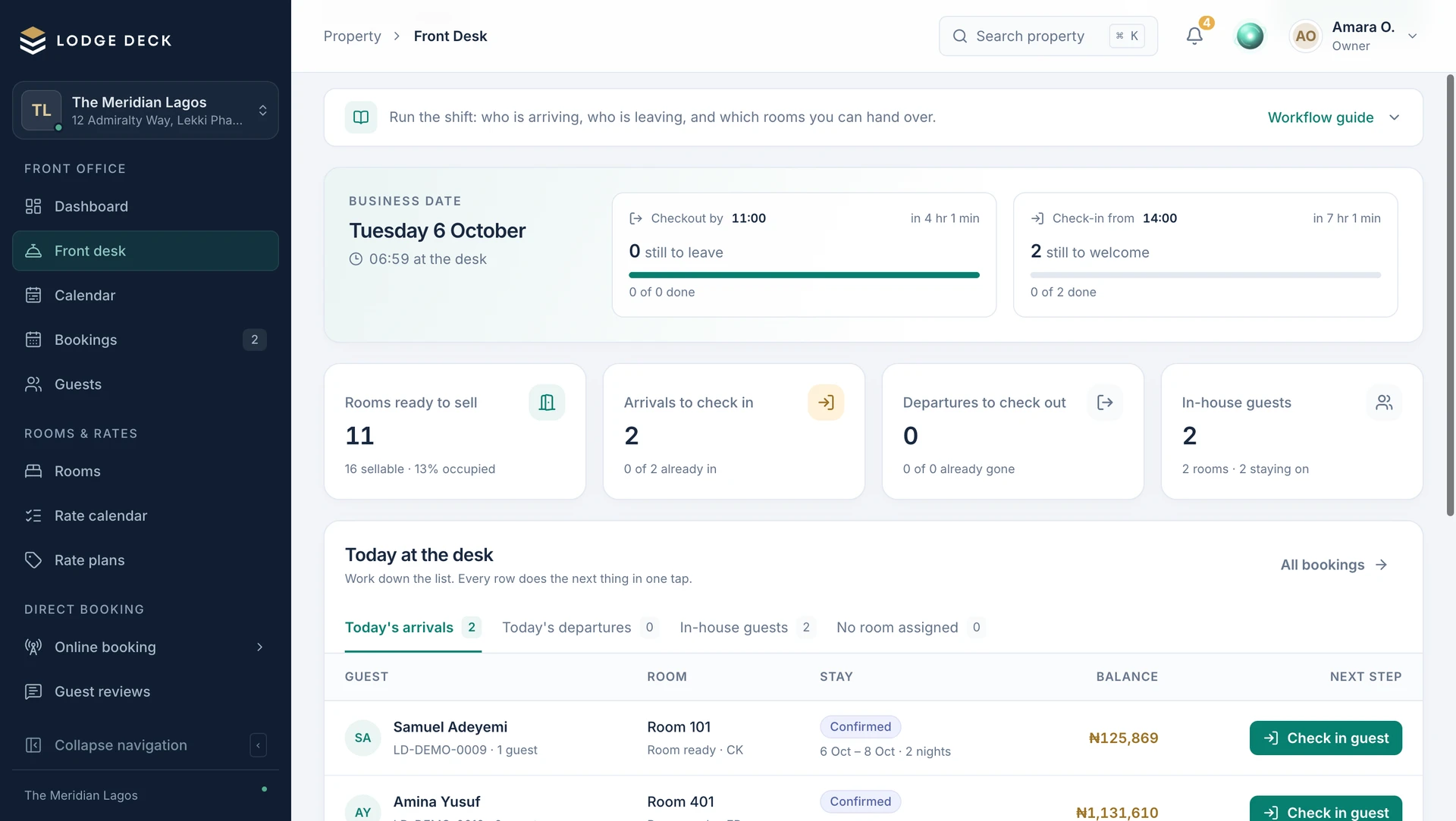
Keep the dates, guest and financial record together when a stay changes.
See this workflow in a demoWhat to know about reservations.
Coordinate arrivals, departures, in-house guests and room assignments in a focused front-desk workspace.
ProductBring occupancy, room condition and availability into one room-by-room view. Help reception choose a room that is ready.
ProductReview charges, deposits, payments and outstanding balances on the guest folio.
Bring your daily challenges. See how your team can manage them in one workspace.