
Occupancy and room revenue
Review how room use and revenue change over the selected reporting period.
Review occupancy, revenue, ADR, RevPAR and booking-source mix in the performance workspace.
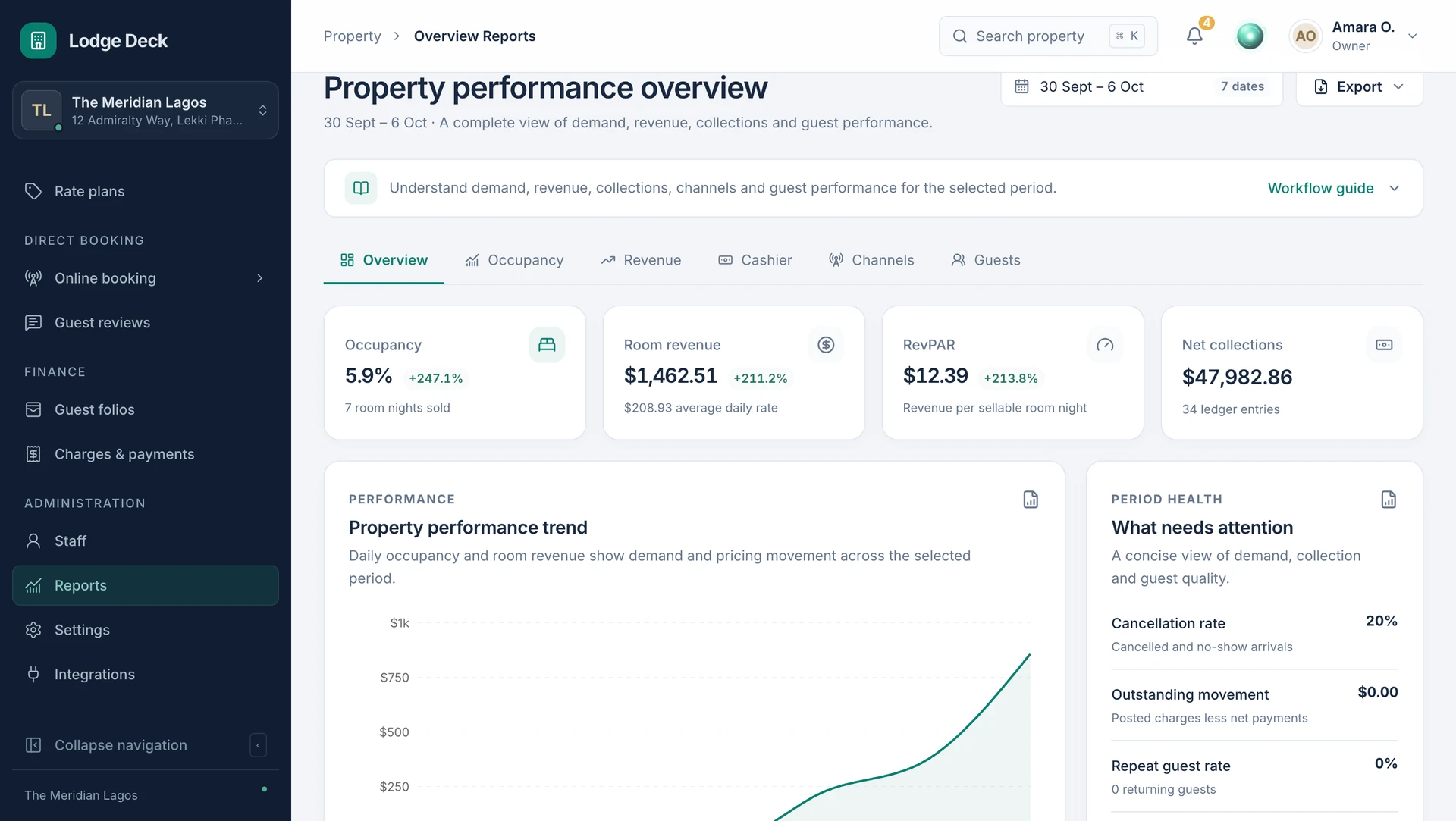
Bring occupancy, room revenue and booking sources into one reporting view. Give owners and managers the context to decide what needs attention.
Review how room use and revenue change over the selected reporting period.
Keep average daily rate and revenue per available room alongside occupancy so the measures have context.
Review the sources contributing reservations rather than judging sales by one total.
Use the reporting picture as a starting point for investigating inventory, rates or outstanding balances.
Use a consistent date range and reporting basis for the question you are asking.
Look at occupancy, rates and booking sources together before drawing conclusions.
Review the connected reservation or financial records that explain the trend.

Read occupancy beside ADR and RevPAR for the same period. Then follow the booking, rate or balance behind an unexpected figure.
See this workflow in a demoWhat to know about reports & analytics.
Access the properties you work with from one account. Each workspace keeps its own rooms, team permissions, currency and operational records.
ProductManage rate plans, promotions and stay restrictions with the room calendar as your reference.
SolutionsReview occupancy, revenue, room readiness and outstanding operational work from a management perspective.
Bring your daily challenges. See how your team can manage them in one workspace.