
Access needs
List where staff need to work and which devices your current setup supports.
Compare your current desktop setup with a shared browser-based property workflow.

Walk through the stays your team handles every day. Compare access, room handovers and financial records against your current desktop setup.
List where staff need to work and which devices your current setup supports.
Review the handovers between reservation, housekeeping and billing tools.
Compare how each setup produces occupancy and room-revenue reports.
Assess available exports, historical records and the training needed for a change.
List the records, tools, exports and exceptions your team uses.
Walk through the same sample stay and assess the information available at each handover.
Agree requirements, migration scope and training before selecting a new setup.
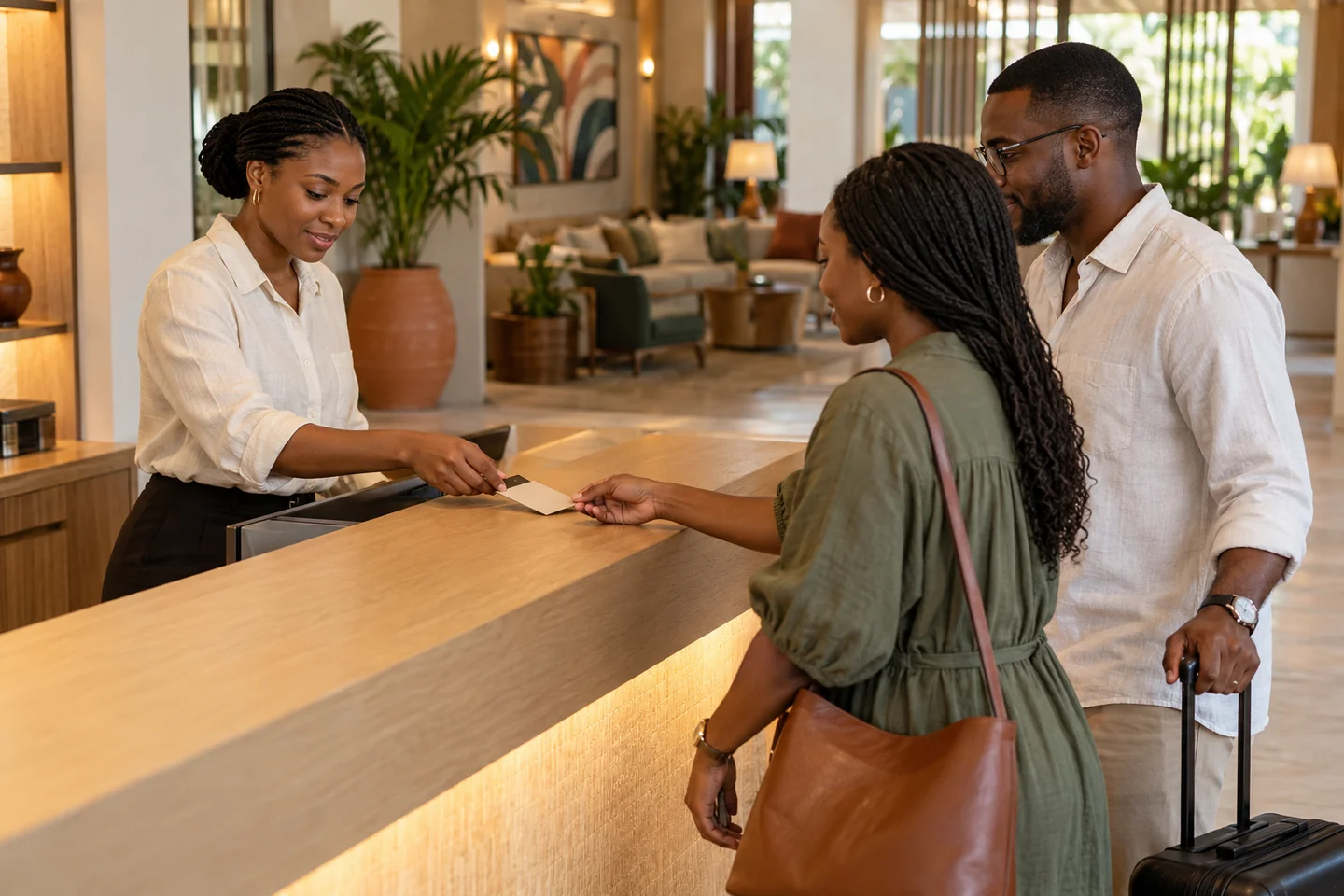
Compare one arrival, one room release and one checkout. Assess the records, exceptions and change effort for the configuration you actually use.
See this workflow in a demo| Decision | Review your current setup | Explore in Lodge Deck |
|---|---|---|
| Access | Document terminals, remote access and device support. | Review browser access and role-specific workflows. |
| Room handover | Document how the desk receives cleaning and inspection updates. | Review the shared room and housekeeping workflow. |
| Financial record | Review how charges and payments reach the stay record. | Explore the connected guest folio. |
| Switching | Identify exports and any dependency on local infrastructure. | Agree import scope, training and readiness checks. |
What to know about legacy desktop pms.
Bring your daily challenges. See how your team can manage them in one workspace.